
; by default.;prefix set [character] to change the prefix for your server.Setup
Setup haunt to your last.fm account to show off your favorite artists or your listening history.
If you don’t have a last.fm account, create one here.
Logging in
To get started with setting up haunt to your account
Run the following command below
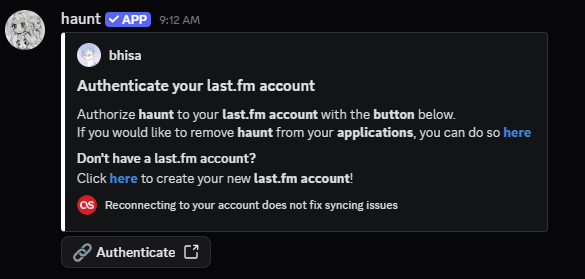
Haunt will send you a DM asking you to authorize your last.fm account with haunt.
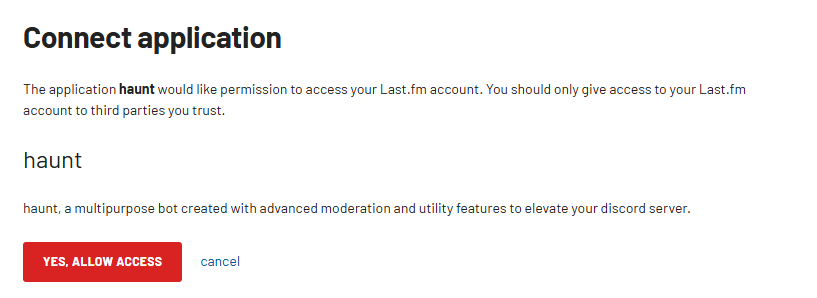
Create or login to your last.fm account and authorize the application.
What now?
That’s all to it!
There are many commands you can run to show off your music taste!
Why not try some of them below!
Show what song you’re currently listening to
You can use thenowplaying command to show what you’re listening to!
Showing who knows a certain artist
You can use thewhoknows command to see who knows an artist!
View who knows an artist globally
You can use theglobalwhoknows command to see who knows the same artist as you globally on the bot!
nowplaying command does not show the correct song, either your last.fm library is not updated or you aren’t currently scrobbling anything.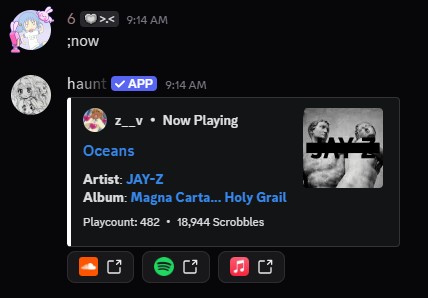
Unlinking your account
If you no longer want to use haunt to show your last.fm stats.
Run the command below to remove your last.fm account’s data from haunt’s database.
Errors
Most last.fm errors come from the Last.fm API being broken.
I have no control over these errors, you would have to wait for Last.fm to fix it.
If you encounter another error, Please let us know in haunt’s Support Server.