
Haunt’s prefix is set to
; by default.Use
;prefix set [character] to change the prefix for your server.Setting up Voice Channels
To setup custom voice channels run thevoice setup command.
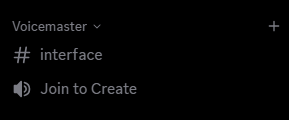
Learning about the Interface
The interface will act as a remote to control your custom voice channel.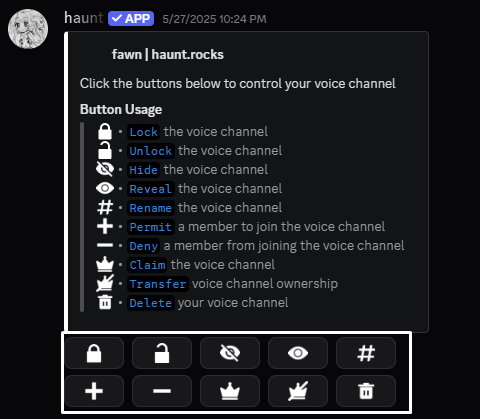
You can use the commands provided below or manage it using discord’s channel settings.
Lock
Lock
Use the
voice lock command to lock your voice channel.Unlock
Unlock
Use the
voice unlock command to unlock your voice channel.Hide
Hide
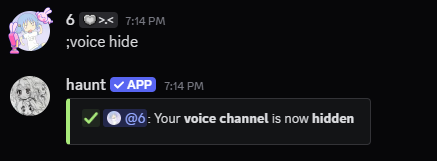
Use the
voice hide command to hide your voice channel.Reveal
Reveal
Use the
voice reveal command to reveal your voice channel.Rename
Rename
Use the
voice rename command to rename your voice channel.Permit
Permit
Use the
voice permit command to permit a member into your voice channel.Deny
Deny
Use the
voice deny command to deny a member from your voice channel.Claim
Claim
Use the
voice claim command to claim an unused voice channel.Transfer
Transfer
Use the
voice transfer command to transfer ownership of the voice channel.Delete
Delete
Use the
voice delete command to delete your voice channel.What else can I do?
You can also set a custom category for whenever a member makes their voice channel privateThere are many more features to come for join to create channels!